Experience Hands-Free Highway Driving
Available Ford BlueCruise provides hands-free highway driving, helps control acceleration, braking, and steering while keeping you centered in your lane and your eyes on the road.* Enjoy more enjoyable commutes and long trips, arriving refreshed and energized.
BlueCruise Availability
Get BlueCruise on select trims of Ford vehicles.
Explorer®
Available on: 2025-2027 Ford Explorer® ST-Line, ST, and Platinum™ and on 2026-2027 Tremor® models.
Expedition®
Available on: 2022 and newer Ford Expedition Platinum® and Platinum MAX and on select 2025-2027 Expedition models.
F-150®
Available on: 2021 and newer Ford F-150 XLT, Tremor®, Lariat®, King Ranch®, and Platinum® models.
Mustang Mach-E®
Available on: All trims of 2021 and newer Mustang Mach-E SUVs.
How Does It Work?
Welcome to The Blue Zone
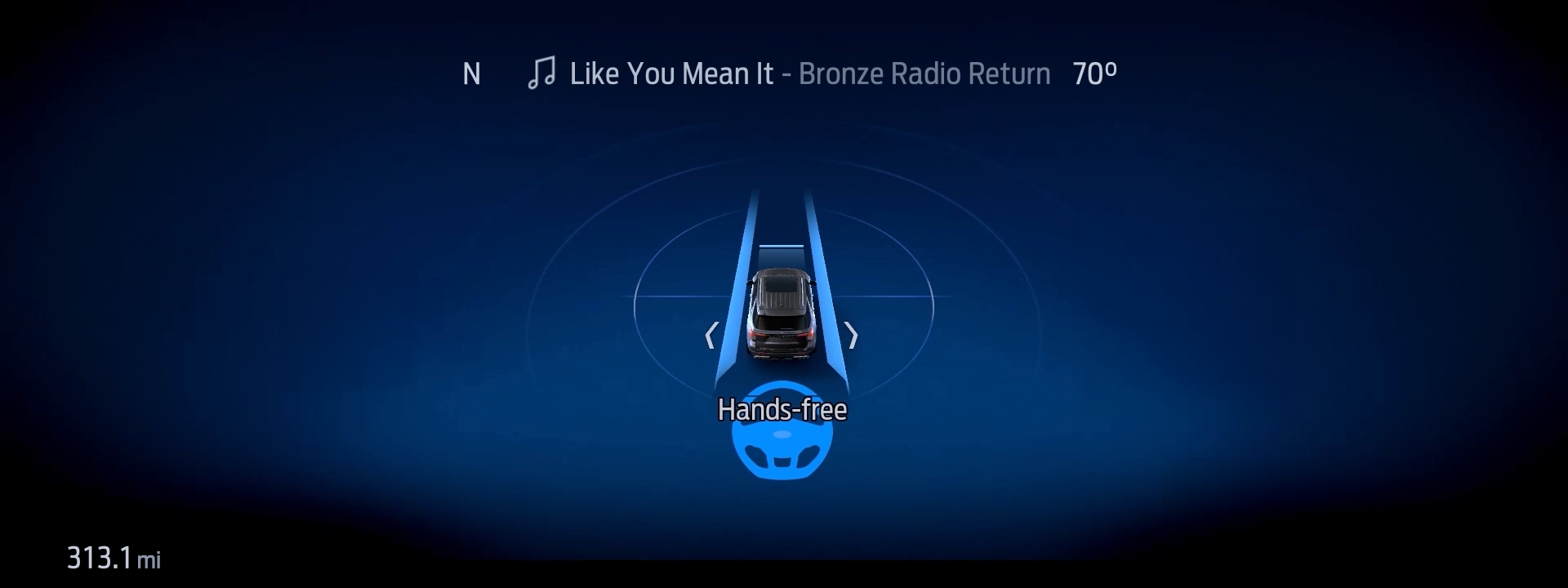
When you enter a prequalified section of a divided highway — a Blue Zone — you’ll see a prompt on the instrument cluster letting you know BlueCruise is available and ready to assist.
Let BlueCruise Assist
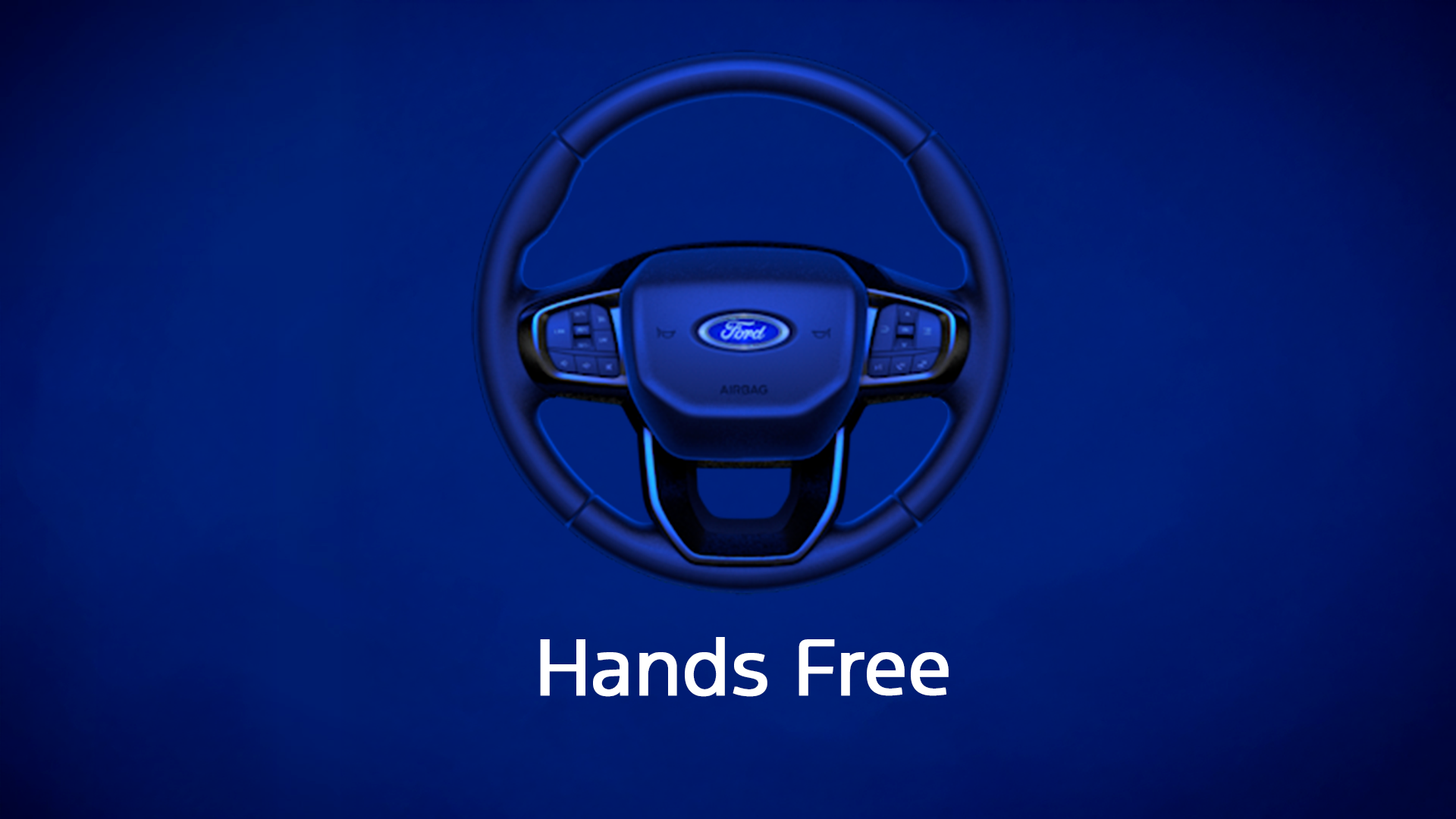
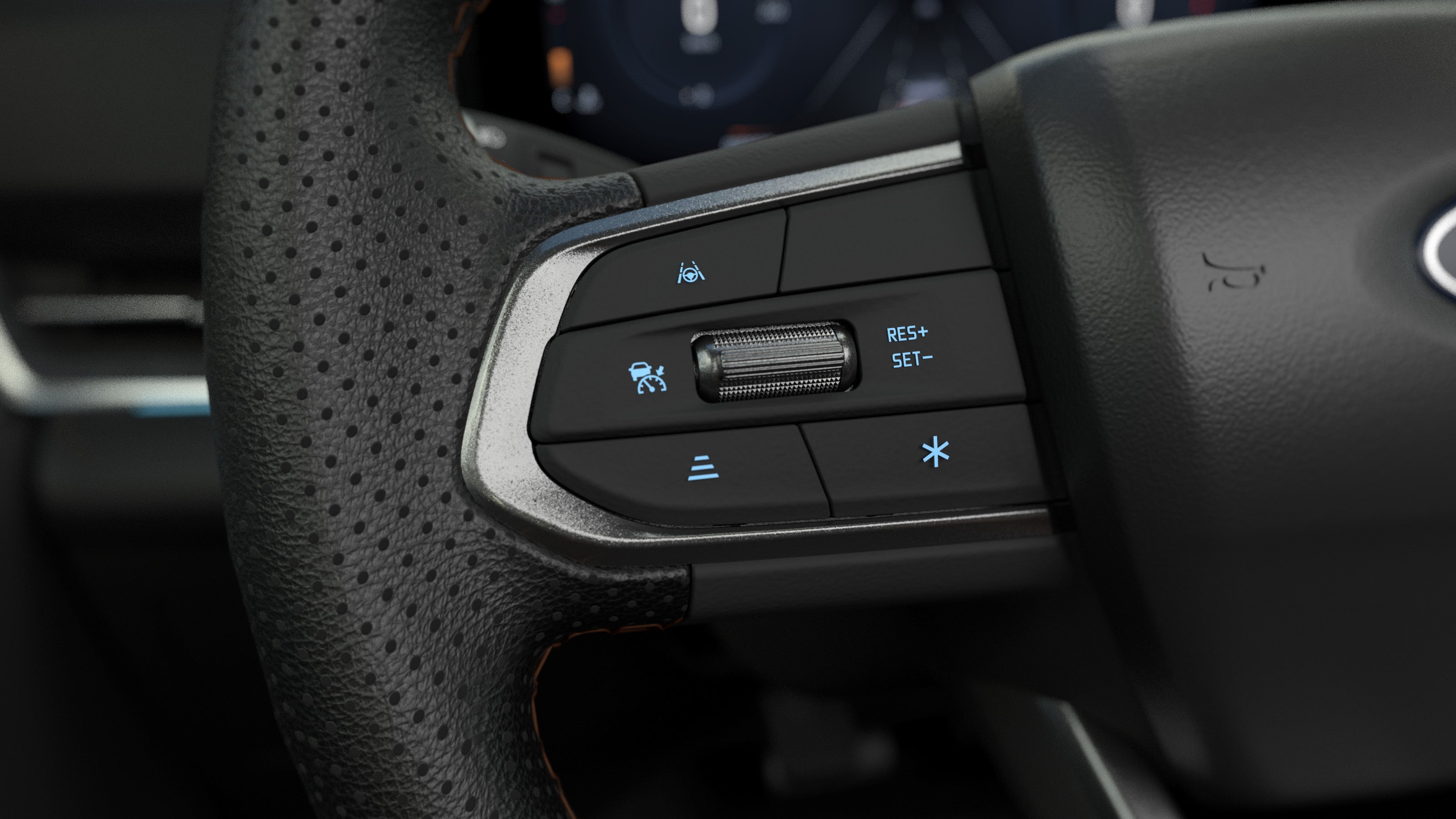
Simply tap the Adaptive Cruise Control* button on your steering wheel, make sure Lane-Keeping System** is on, and let BlueCruise assist while keeping your eyes on the road. The system helps control the steering, braking, and acceleration while keeping you centered in your lane — all without you ever touching your wheel. Designed with driver collaboration in mind, you can always take over and steer manually within the lane without BlueCruise disengaging.
Feel the Magic of Letting Go
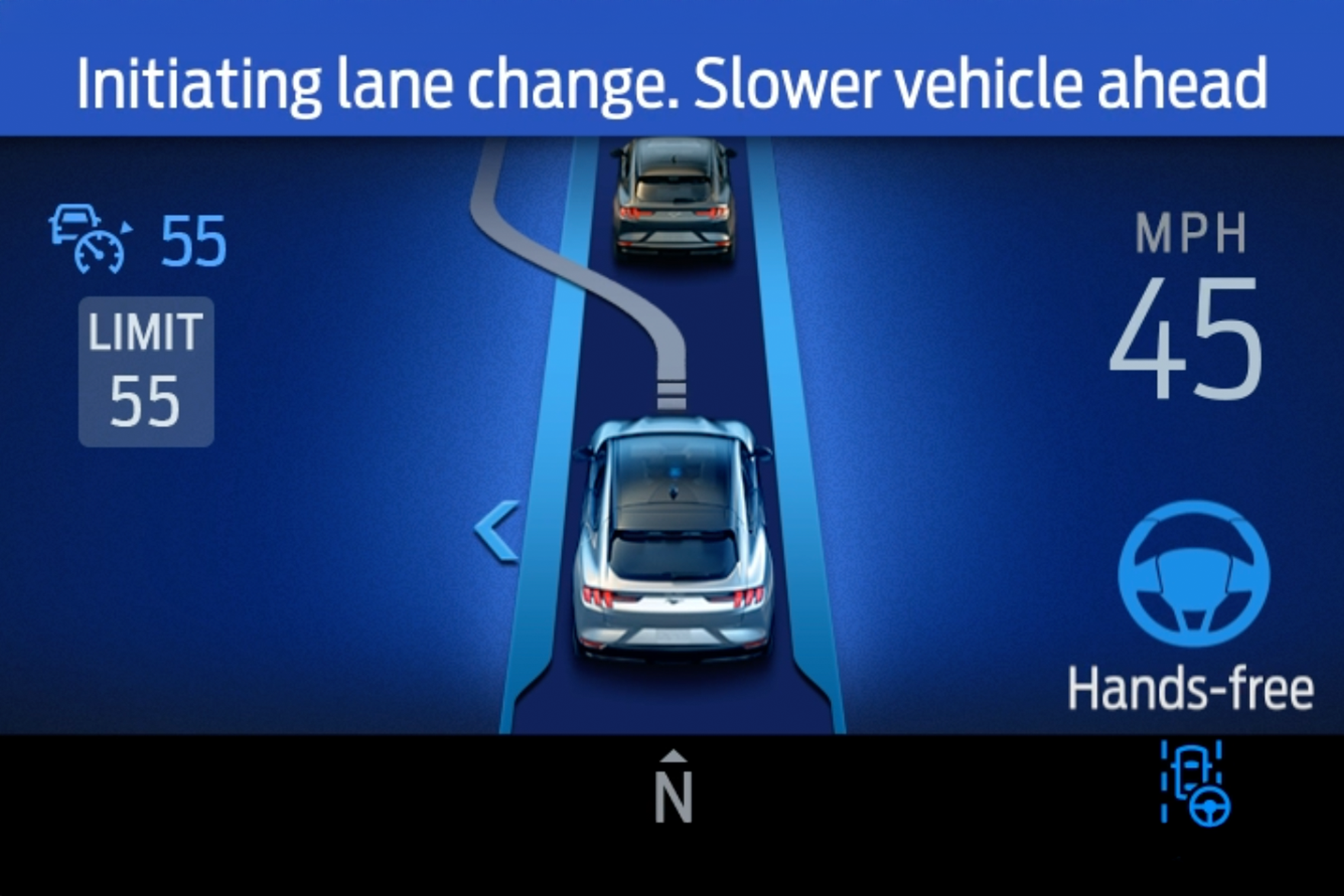
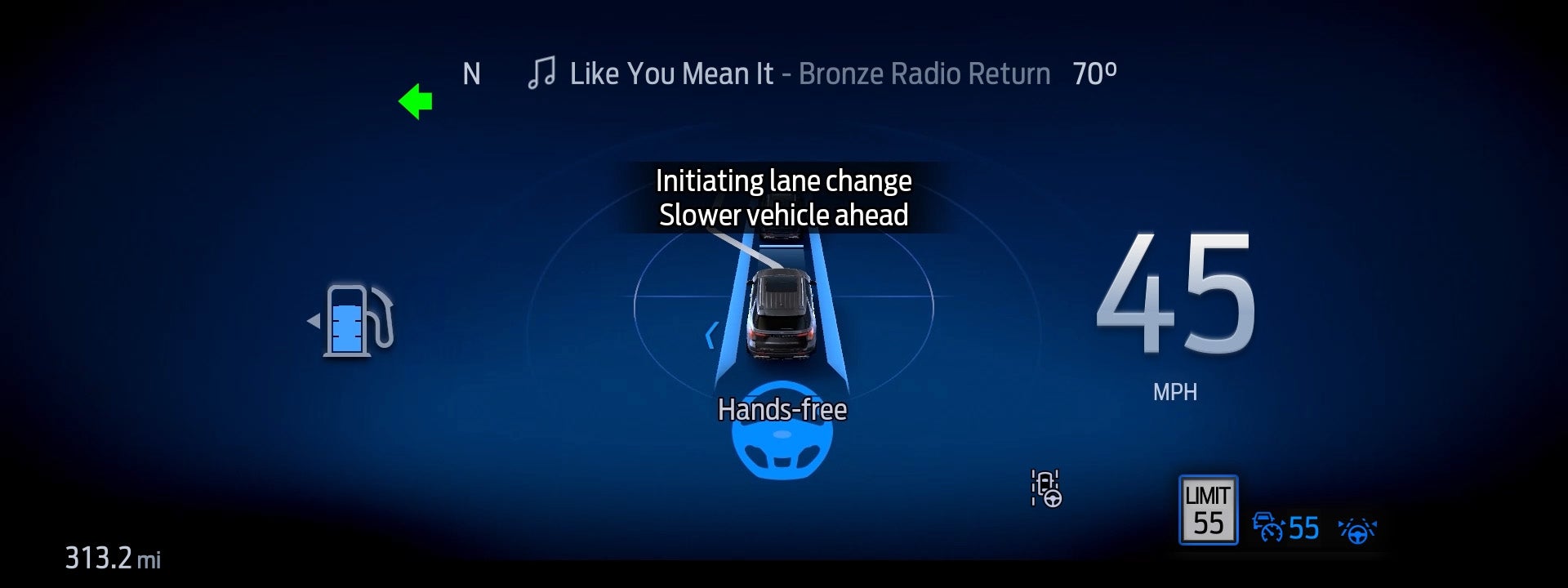
With BlueCruise engaged, you can switch lanes hands-free using Automatic Lane Change and enjoy extra room with In-Lane Repositioning, where your vehicle subtly shifts away from vehicles in adjacent lanes. Automatic Lane Change, if equipped, can make a hands-free lane change for you — without the need to touch the steering wheel or turn signal.*
Set It Up Once. Use It, Trip After Trip.
Download the Ford app and follow the prompts to add your vehicle and enable Connected Services by activating your vehicle’s modem. Once your vehicle is added to your Ford app, activate BlueCruise within the Connected Services tile of the app.
Toggle on Adaptive Cruise Cruise Control with Lane Centering, Activation Prompts, and other features available for your vehicle like In-Lane Repositioning, Lane Change Assist, Automatic Lane Change if equipped and more.
Simply tap the Adaptive Cruise Control* button on the steering wheel. Make sure the Lane-Keeping System is activated, and let BlueCruise assist.**

Step 1: Connect
Download the Ford app and follow the prompts to add your vehicle and enable Connected Services by activating your vehicle’s modem. Once your vehicle is added to your Ford app, activate BlueCruise within the Connected Services tile of the app.
Step 2: Enable
Toggle on Adaptive Cruise Cruise Control with Lane Centering, Activation Prompts, and other features available for your vehicle like In-Lane Repositioning, Lane Change Assist, Automatic Lane Change if equipped and more.
Step 3: Drive
Simply tap the Adaptive Cruise Control* button on the steering wheel. Make sure the Lane-Keeping System is activated, and let BlueCruise assist.**
BlueCruise-Equipped Vehicle Inventory
FAQ
What is Ford BlueCruise?
It is an advanced hands-free highway driving technology. On designated hands-free Blue Zones (covering over 130,000 miles of North American highways), BlueCruise allows you to drive completely hands-free while the vehicle helps control the steering, braking, and acceleration of your vehicle while keeping you centered in your lane.
How much does Ford BlueCruise cost and can I roll it into my car payment?
Yes, you can easily roll BlueCruise directly into your vehicle’s monthly financing at the time of purchase. You have three flexible options:
- One-Time Purchase ($2,495): Best overall value. It provides a minimum of seven years of active service with no ongoing fees and is highly recommended for financing.
- Annual Plan ($495/year): A great option to pay year-by-year.
- Monthly Plan ($49.99/month): Ideal if you only want to activate it for specific times, like summer road trips.
Does my new Ford come with a free trial of BlueCruise?
Most new Ford vehicles with BlueCruise hardware include a 90-day complimentary trial. This gives you plenty of time to experience hands-free driving on your daily commutes before deciding which subscription plan fits your lifestyle.
Which Ford models have BlueCruise?
BlueCruise is available on select trims of the Ford F-150®, Mustang Mach-E®, Explorer®, and Expedition®. Because availability depends on the specific trim and packages, our sales team can easily point you to the exact BlueCruise-equipped vehicles currently in our inventory.
Can I test-drive a vehicle and try BlueCruise today?
Absolutely! We highly encourage you to experience hands-free driving firsthand. Contact us to schedule a test-drive, and one of our Product Specialists will take you onto a nearby highway to show you exactly how easy it is to activate and use.